Setting Up Chirpy on GitHub Codespaces
Setting Up Chirpy on GitHub Codespaces
Introduction
This is a brief introduction to setting up a Github page using only GitHub codespaces. You won’t have to install any code on you system.
Create the Codespace.
To use Jekyll Chirpy on GitHub’s Codespace press either the “+” button or the “Create codespaces on main” and create the codespace.
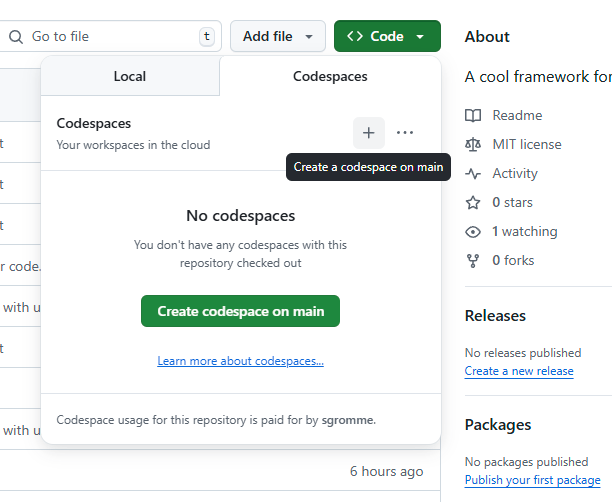 New codespace
Select the existing Code space if already created
If you have previously created a codespace , select the code space and it will reopen.
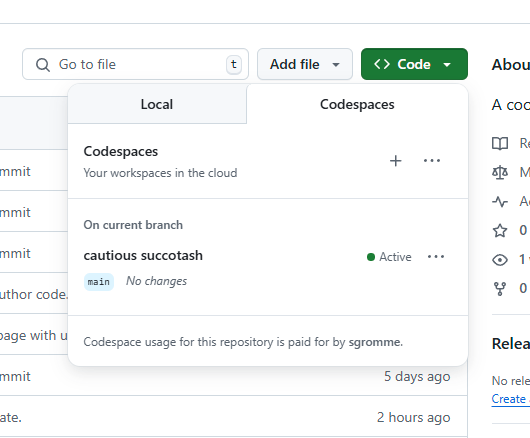 Existing codespace
Update code and commit to github.
Refer to the link for code changes. Github Codespaces
This post is licensed under CC BY 4.0 by the author.